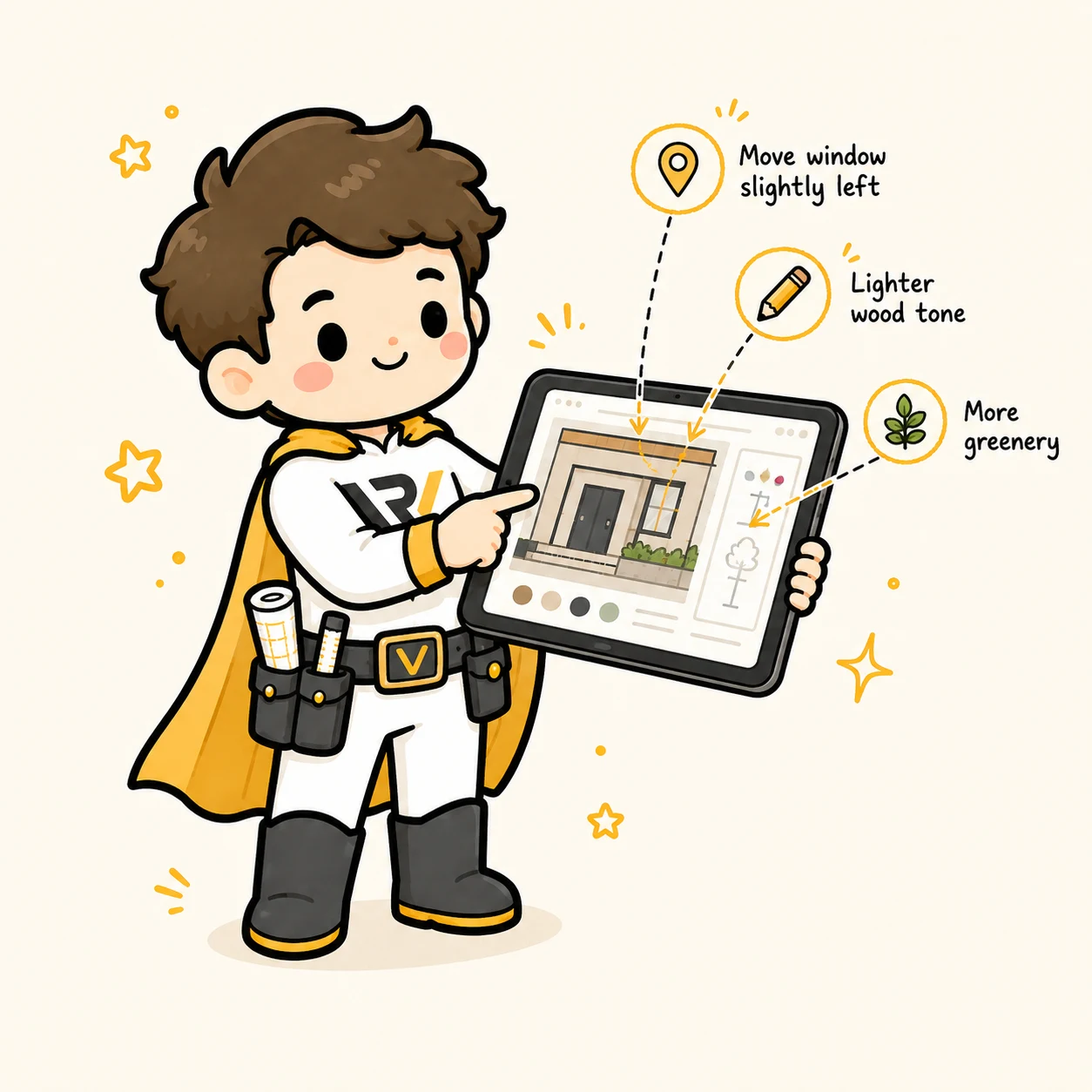
The client doesn't know how to not annoy you
Most clients don't know that "a bit differently" and "somewhere on the right" cost the designer an hour of guessing. Good annotation tools solve this for them.
Here is how they work - and when to use which.
Pin
The simplest tool. The client clicks exactly where something should change and writes a comment. A pin is a point - not an area.
When to use: "There's a typo here", "I would swap this icon", "this logo should be bigger".
When NOT to use: when talking about a whole section, background color, or overall composition. A pin says "here" - not "in general".
Rectangle and circle
Area, not a point. You mark a slice and say: this fragment.
When to use: "This whole panel should be narrower", "this zone is too bright", "this area lacks hierarchy".
Great for whole compositions. The client shows what should change, the designer understands the context.
Arrow
Direction. You show "from this element to that one" or "this should go this way".
When to use: "Move the entrance here", "shift this element to the right", "logo higher, near this icon".
Stronger than a pin because it carries information about the direction of change.
Freehand drawing
The most freeform. The client draws "roughly like this", the designer interprets.
When to use: layout concepts, "I imagine something like this", a quick sketch on a render.
Note: freehand is the fastest for the client but the least precise. It is worth asking for a text description next to it.
Text note
No marking, just a comment on the whole project. A short description of a general remark.
When to use: "I generally like the direction", "let's try a different palette", "what do you think?".
The general rule
The more context in the annotation, the fewer hours of guessing. A short pin with concrete text ("move the entrance to the center") is 5 seconds for the client and 5 minutes of your time. "Something is off with the entrance" - 5 seconds for the client and 30 minutes of your time on calls.
Teach the client to use the tools in the first iteration. The second one already goes on its own.
Try Revizo on your first project
No card, no install. The guest client never creates an account.
Start free for 14 days →